Thorton Merrimac Necromancer v1.1.1
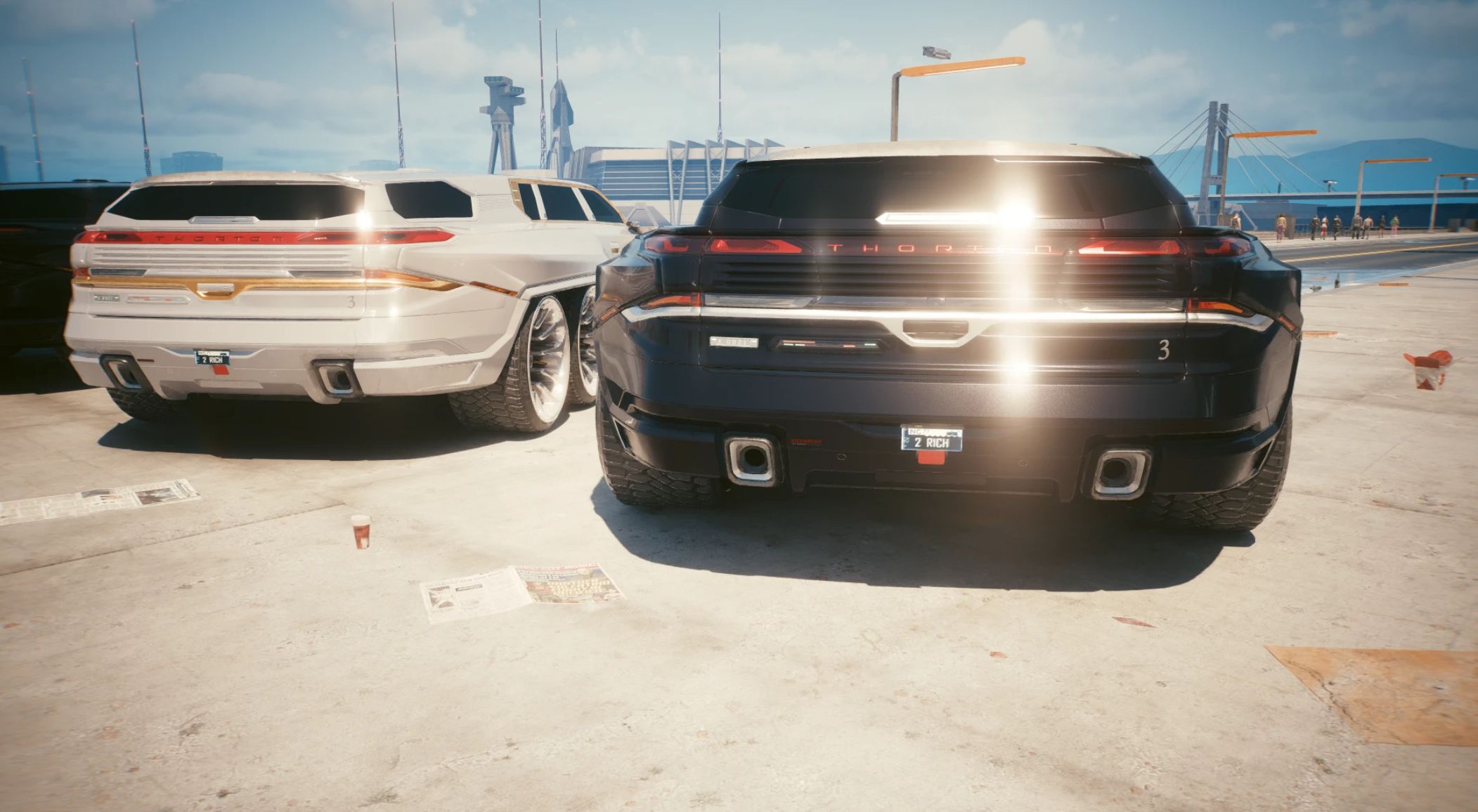
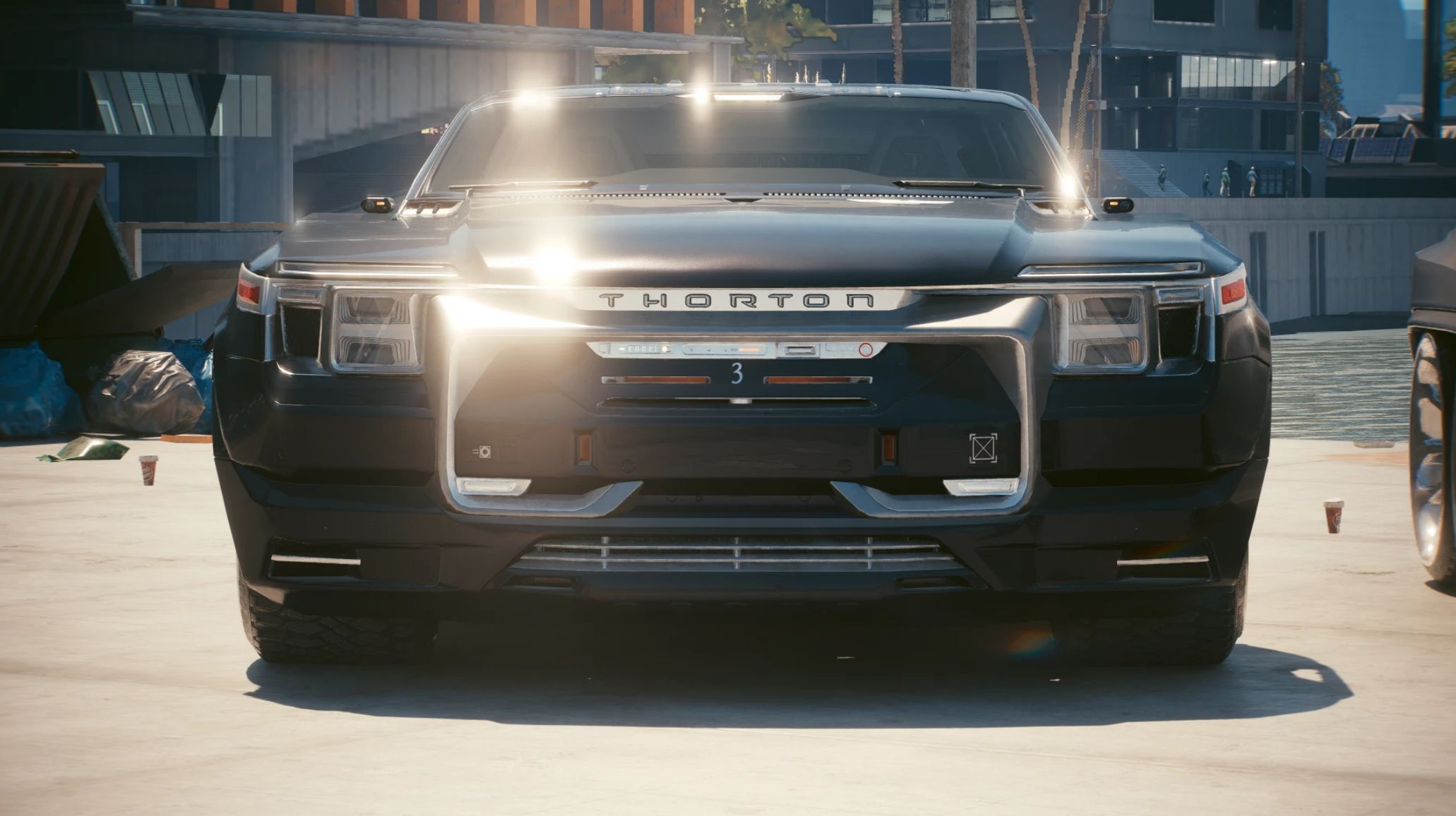
Updated! A one of one production run by Thorton, for the wealthiest gonk in Night City. 2.21 2.3 2.31
Required:
TweakXL
ArchiveXL
Cyber Engine Tweaks
RED4ext
Virtual Car Dealer
• 2.21/2.3/2.31 game update and Phantom Liberty.
• Core game mods. (2.31 requires all core mods’ latest updates)
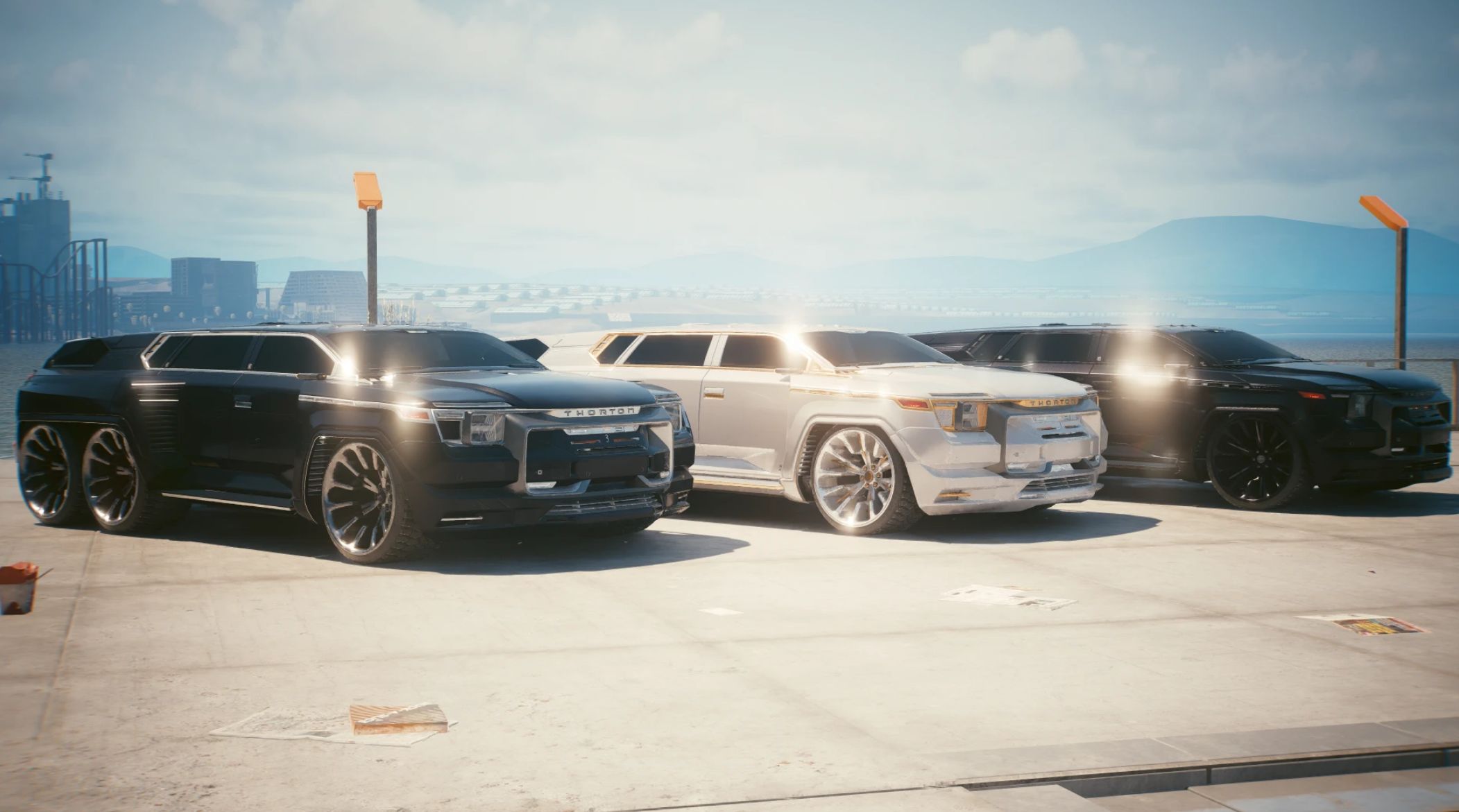
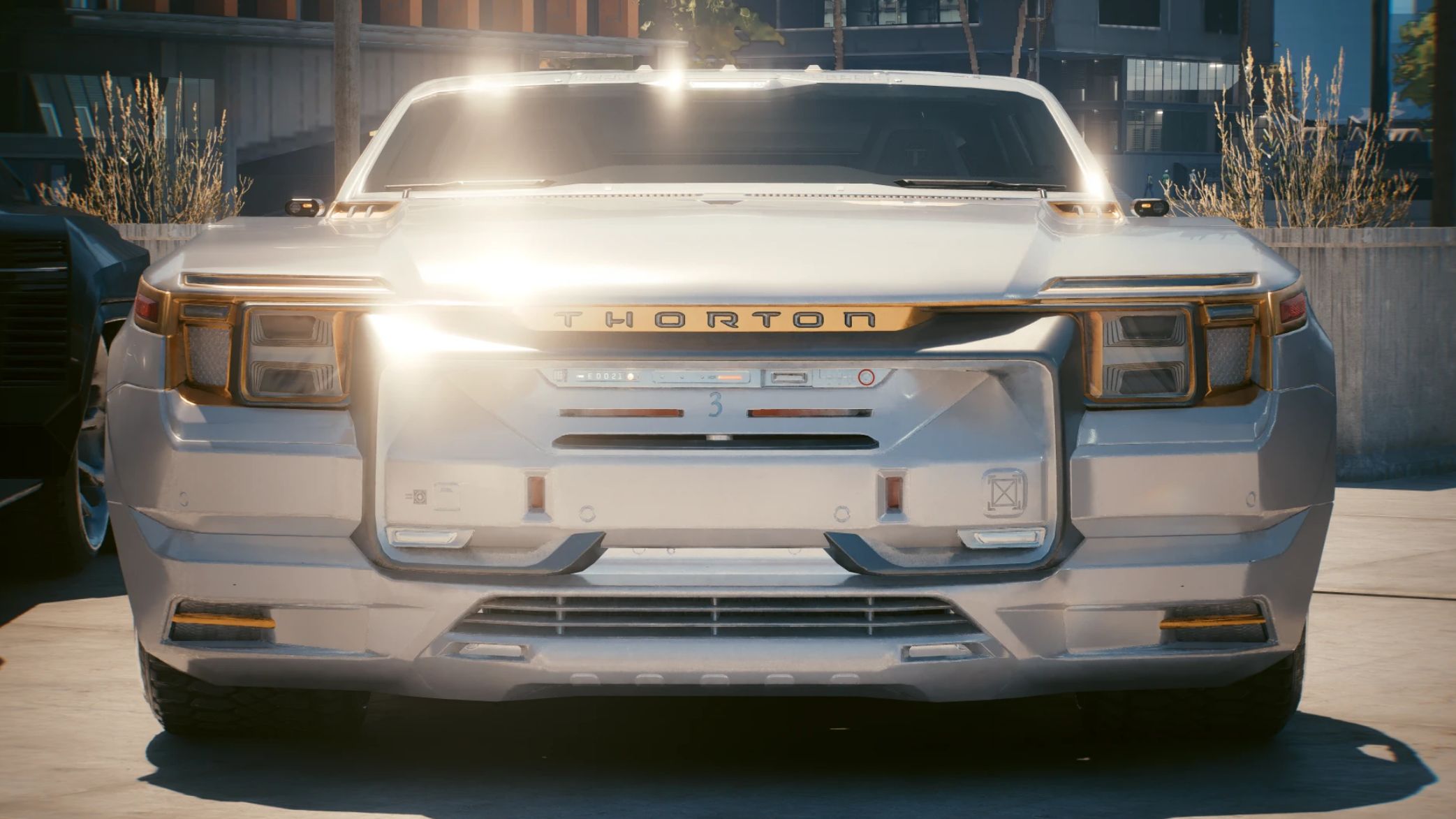
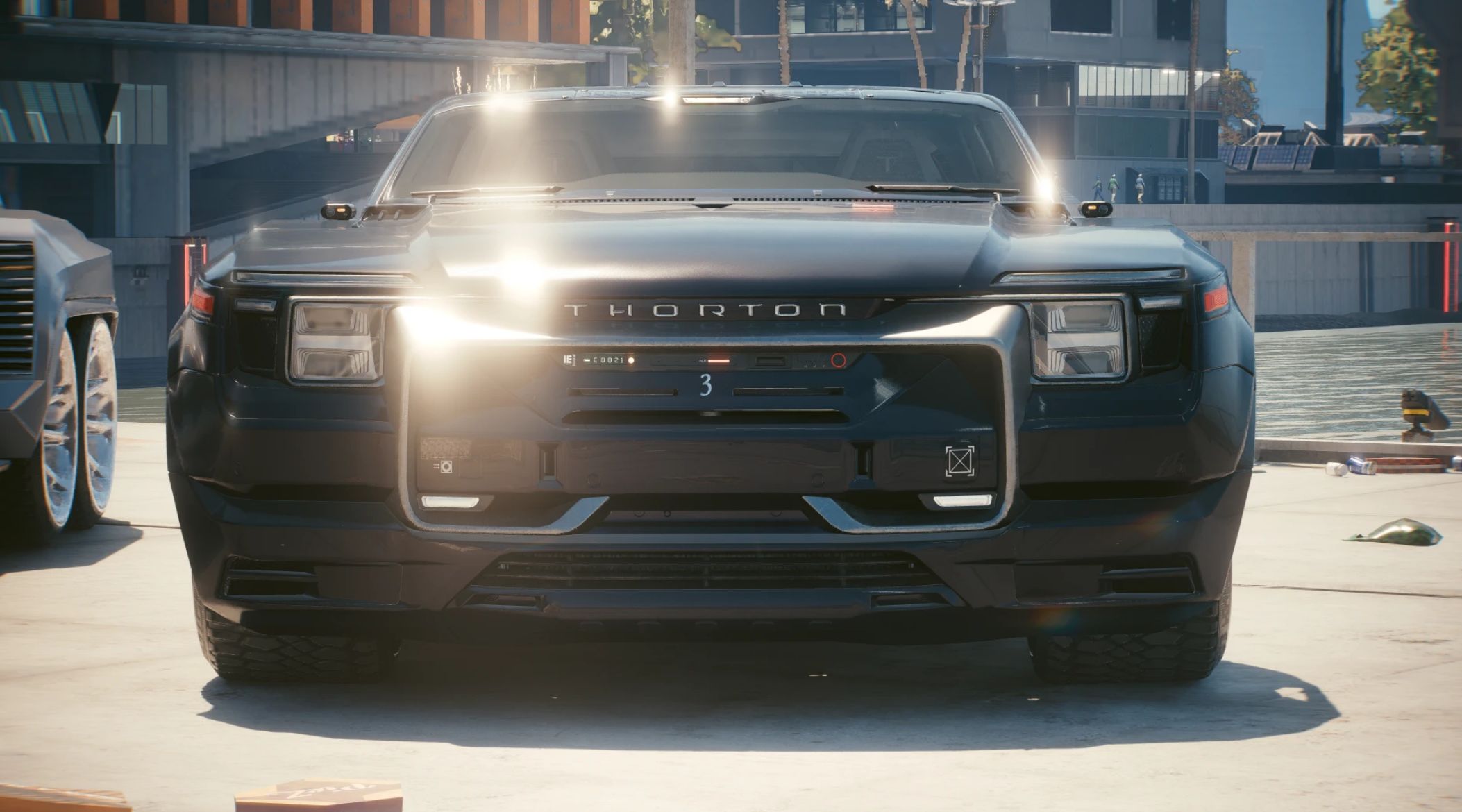
Despite being a unicorn one of one, I added two additional variants.
This machine started life as a ratrod, but I loved the bodywork so much, is seemed right to keep this as a luxury model.
The cream of the crop, and hence the high price tag.
New interior options now available: These will override the current white leather and gold carbon fibre in this base mod!
Merrimac Necromancer Interiors
Update V1.1.1 – Fix for interior model where rear suspension was visible in the trunk.
Update V1.1.0 handling file suspension tweak & engine audio swap.
(Grab the optional handling file if you prefer the original Caliburn engine audio.
Install main update/zip file first, then install the optional file.)
FEATURES
• Bullet proof windows and armoured vehicle
• Lowered ride height
• Custom widebody kit
• Chopped roof
• Compatible with Taxi mod and AMM
• Three stunning variants
• Player stash at the back. (Trunk doesn’t open)
KNOWN ISSUES
• Crystal coat is disabled, so don’t expect it to re-colour the vehicle.
• Trunk does not open.
SUMMON LIST NAMES
• Merrimac “Necromancer”
• Merrimac “Necromancer” S1
• Merrimac “Necromancer” S2
SPAWN CODE
• CET codes to add to your summon list – Save the game after to keep them in your list:
Game.GetVehicleSystem():EnablePlayerVehicle(‘Vehicle.oranje3_merrimac_necromancer’,true,false)
Game.GetVehicleSystem():EnablePlayerVehicle(‘Vehicle.oranje3_merrimac_necromancer_spec2’,true,false)
Game.GetVehicleSystem():EnablePlayerVehicle(‘Vehicle.oranje3_merrimac_necromancer_spec3’,true,false)
INSTALLING
• Unpack the zip to the Cyberpunk game folder like a normal mod.
UPDATING
• Unpack the zip to the Cyberpunk game folder like a normal mod and confirm overwriting the files when prompted.
OPTIONAL FILES
• Install main file first, then unpack optional file afterwards, confirming overwrite.
UNINSTALLING
• Delete the archive file, & the oranje3_merrimac_necromancer r6\ tweak folder:
Cyberpunk 2077\archive\pc\mod\oranje3_merrimac_necromancer.archive
Cyberpunk 2077\archive\pc\mod\oranje3_merrimac_necromancer.xl
Cyberpunk 2077\r6\tweaks\oranje3_merrimac_necromancer\oranje3_merrimac_necromancer.yaml