
Disclosed Hidden Gems v1.0.1
Adds markers for hidden gems to help encourage you to explore night city.
Required:
– Codeware
– Cyber Engine Tweaks
– Mod Settings
– redscript
– TweakXL
Features
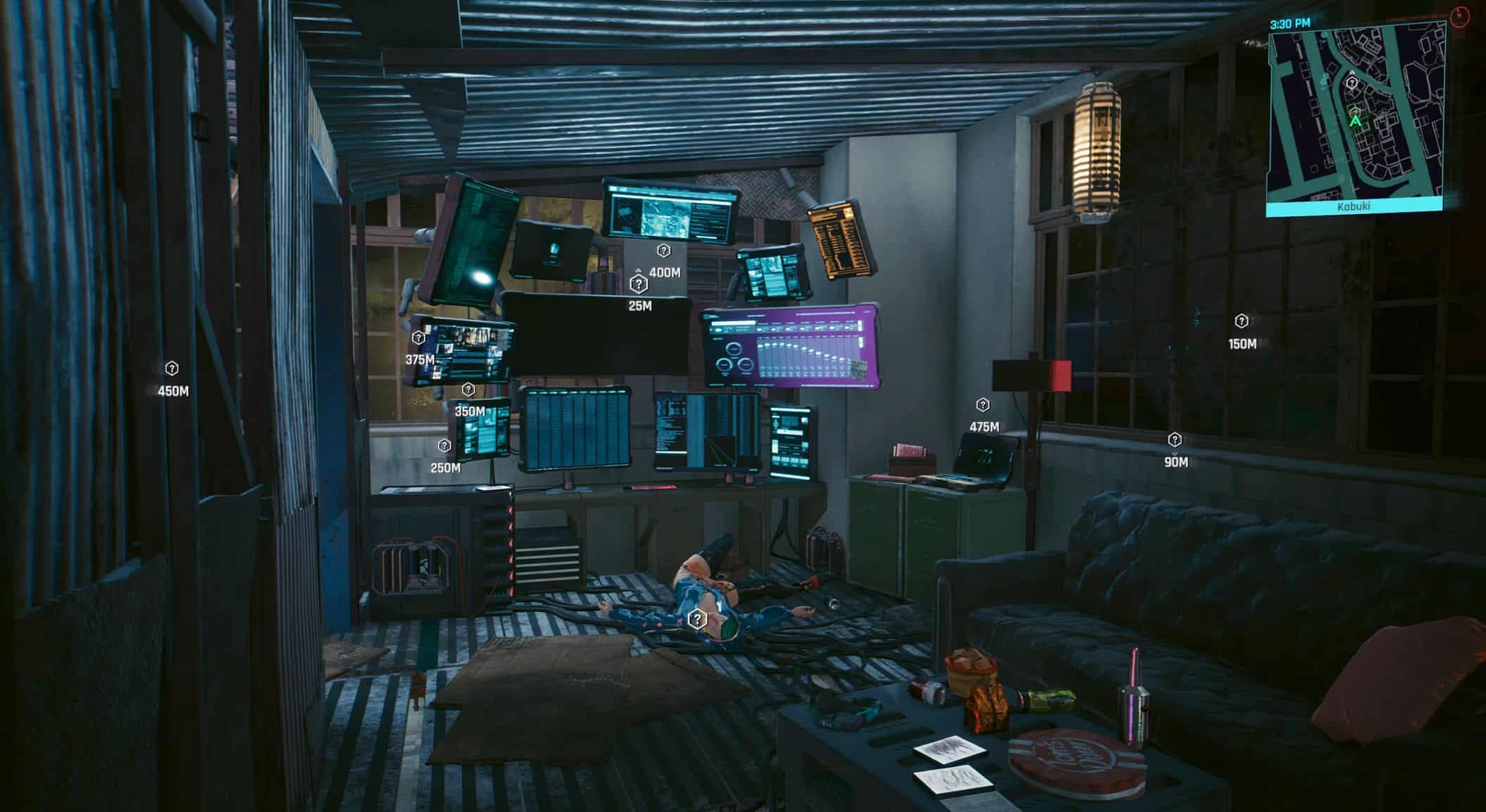
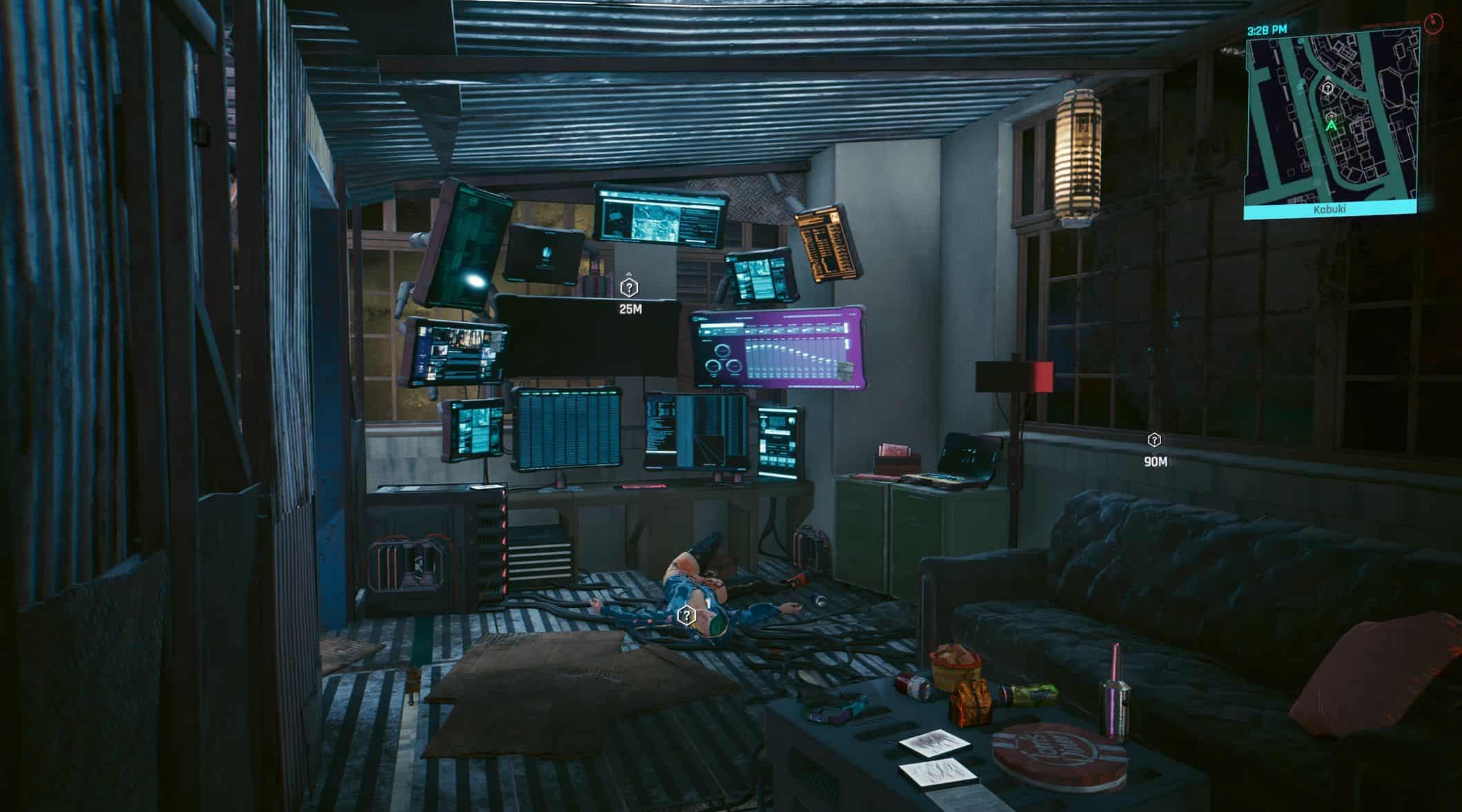
– Adds markers for hidden gems
– Each hidden gem is given one of the following state: inactive (requirements aren’t met), active (requirements are met), and complete (you have gotten the reward)
– For each state, you can determine if you want to see gems in that state in any combination of: in the world, the minimap, and in the map menu (by default, only active gems are visible)
– For each state, you can specify the color
– For world markers, you can specify the spawn and despawn distance (if you want to see gems further away for example)
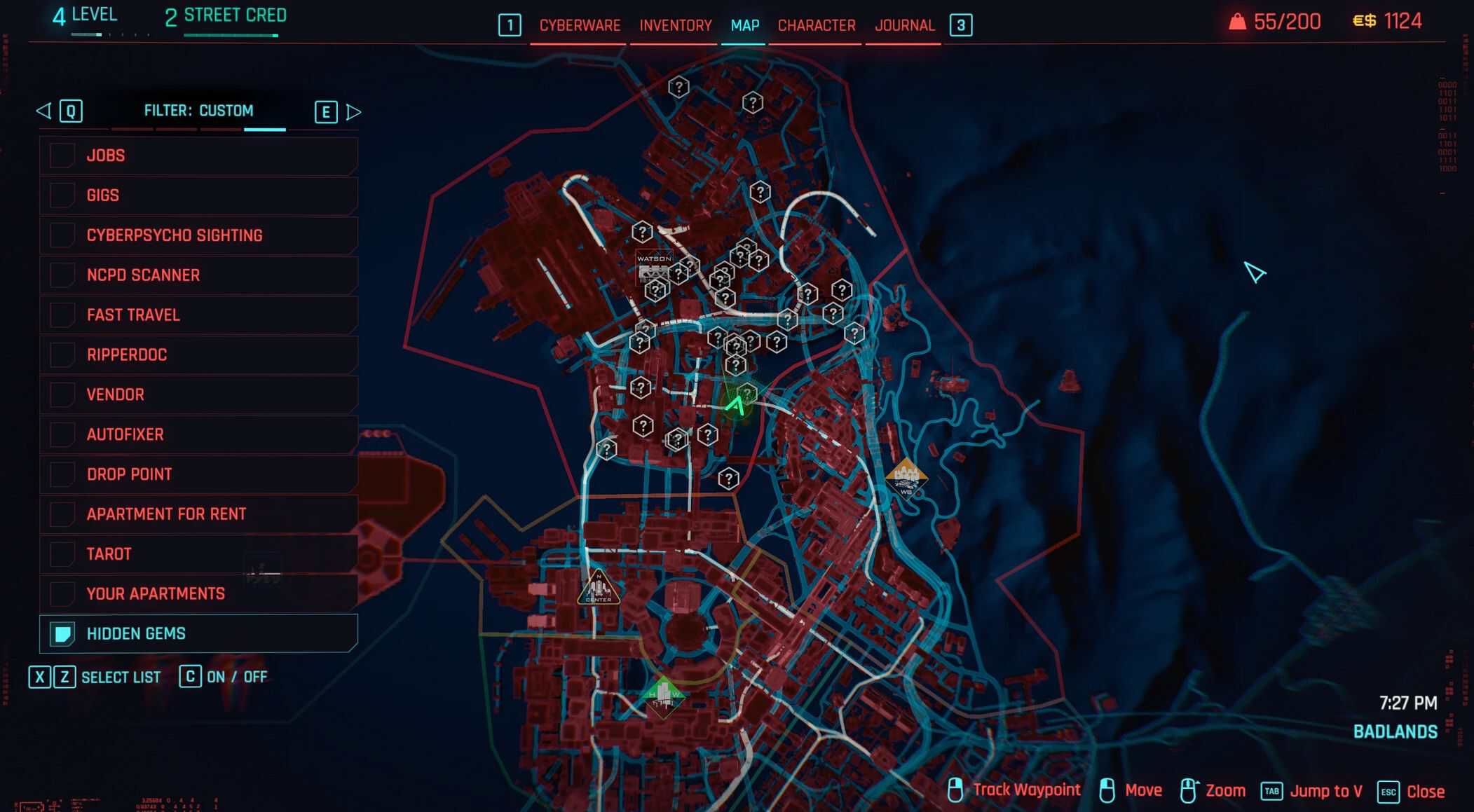
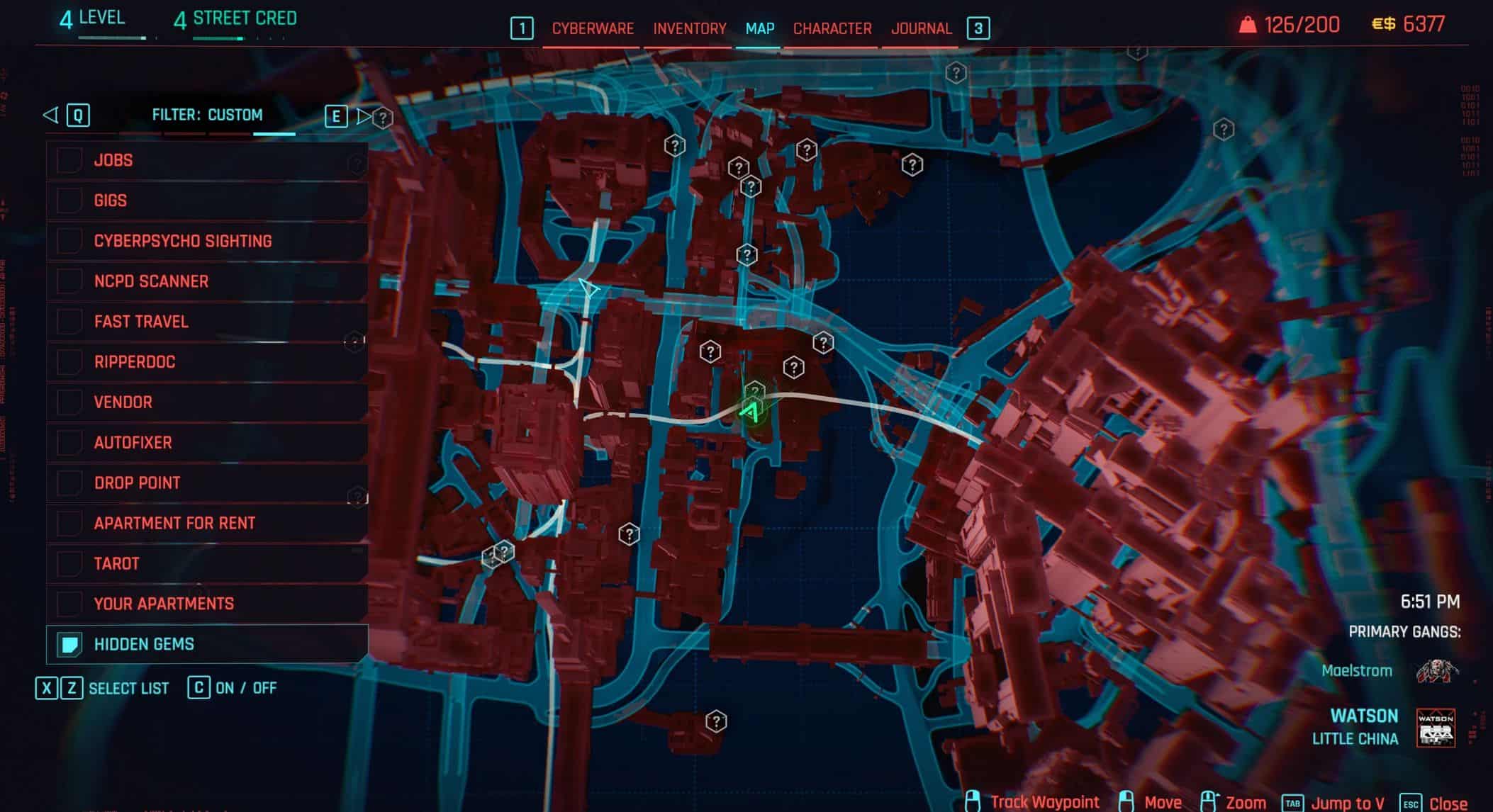
– In the map menu, under the “Custom Filters” tab, the mod adds a “Hidden Gems” filter to view the locations for hidden gems (that were enabled in options)
– In the map menu, when hovering over a hidden gem that you do not have the reward for, you’re able to toggle the gem between “complete” and “active/inactive”
– Adds a counter to know how many gems you’ve completed, in the “Stats” menu under the “Other” tab (see picture #9)
– Compatible with Limited Hud (thank you to DJ Kovrik), markers added by this mod are recognized as points of interests to LHUD. If the “World Markers – Place Of Interest” module is enabled in LHUD, LHUD will respect whether if a hidden gem is enabled in options for this mod in addition to managing the visibility of the enabled options in that section for LHUD.
Description
Hidden gems are stories told by the environment, they’re usually small scenes or easter-eggs that may have some type of reward (shard, weapon, item, vehicle, etc.) that helps explain the context for the gem. In vanilla, hidden gems aren’t marked anywhere as you’re meant to discover them on your own. The purpose of this mod is to add markers for hidden gems to help encourage you to explore Night City, the idea being that as you explore the map, you may come across a hidden gem marker and decide whether to explore it.
Each hidden gem is given one of the following states:
– Inactive: The requirements for the hidden gem hasn’t been met.
– Active: All requirements for the hidden gem is met, and the mod is waiting for you to get the reward.
– Complete: You have gotten the reward for the hidden gem.
With these different states, you’re able to customize different options for each state in settings. The mod has three contexts of where markers for hidden gems can appear: in the world, in the minimap, and the map menu. For each gem state, you can determine where (or if at all) you want to see markers of the respective gem state in any of the mentioned contexts (by default, only active gems are visible, you won’t see other gem states). Additionally, you’re able to change the color for each gem state.
The map menu acts as a sort of “hub menu” for hidden gems, under the custom filters tab, the mod adds a new “Hidden Gems” filter that contains markers for hidden gems (that were specified and allowed in settings). With this filter, you do not have to see (spoil) the locations of where markers are when you open the map, as you’ll come to discover them as you explore. Additionally, you’re able to toggle a hidden gem between completed and active/inactive (assuming you don’t have the reward) as some hidden gems may not have a reward.
You can view how many gems you have completed by going to the “Stats” menu, in the “Other” tab, the mod adds a stat to show this (look at picture #9). The mod calculates how many gems you completed by counting all gems that either have the “Completed” state or active gems that do not have a reward specified.
Compatibility
Limited Hud: Limited Hud has built-in compatibility with this mod. If you have both of these mods installed, hidden gems are recognized as “Points of Interests” to Limited Hud, where you can customize that module under the “World Markers – Place Of Interest” section in options for Limited Hud. If that module is enabled, LHUD will respect whether if a hidden gem’s state is enabled in the world, in addition to managing the visibility under the various options in that section.
There are a few other mods in regards to hidden gems: Missing Persons (and the respective DLC counterpart), which aims to make the process of finding hidden gems more immersive by adding new fixer gigs to help walk you through finding them, and Hidden Gems as Random Events, which aims to make finding hidden gems more dynamic as random events, as whenever you are near one, there will be a 25% change of a marker appearing. While having multiple hidden gem mods shouldn’t necessarily cause issues, each mod (including this one) serves a different purpose, so you should only install one mod.
Debug
The mod has a few debug options in settings that adds extra functionality to the map menu, which you can view in settings under the “Debug” section (at the very bottom). These options are really only needed when testing the mod to see what’s going on behind the scenes, but feel free to mess with them.
– Debug Mode: If enabled, this mode does a few things to the map menu: when hovering over hidden gems in the map menu, it will add two more button hints, “Teleport”, which will teleport you to the gem’s location (after teleporting, you may have to open and close the map again due to a vanilla visual bug), and “Give Reward”, which will give/set that gem’s respective reward (if it does have one). Additionally, the description for hidden gems is more verbose and will include extra information regarding that respective gem’s state and status for all requirements and reward.
– Reset Button: If enabled, this option will add a reset button to the map menu, which is only visible in the “Custom Filters” tab. This button will make the mod reprocess all gems, which will reprocess all conditions, rewards, and state for all gems. This is useful if the mod is acting up for some reason, or if you manually added more gems (more on this later).
– Print Debug Information: If enabled, the mod will print information to the game log (viewable in the “Game Log” tab in CET) when processing conditions, gems, and mappins.
How It Works
Behind the scenes, hidden gems are simply a list of coordinates (to know where the gem is) and conditions that describe what is needed for the gem to appear and when it is completed (when the player gets the reward, if there is one). When running the mod for the first time, the mod will calculate the conditions for all gems, the mod saves data into the save file, so future sessions will persist the data and any modifications. After calculations, the mod will register listeners for gems that have not been completed, these listeners will act and update the state whenever any condition or reward for a gem is fulfilled.
Hidden gems are described in the file “r6/scripts/DisclosedHiddenGems/Globals/CreateGems.reds”, here is where the conditions and reward for all gems is setup and where you can add more gems if you wish. If you do create custom gems, you must restart the game (if it is already open) and use the reset button (mentioned in the previous section) to make the mod reload all gems for your changes to take effect.
Translating
If you want to translate this mod (first, thank you!) please download the “Localization” file and follow this guide.
Installation
To install this mod, unpack the mod into the root folder for cyberpunk.
Uninstall
– To uninstall this mod, delete the following files and folder:
– “archive/pc/mod/disclosed-hidden-gems.archive”
– “archive/pc/mod/disclosed-hidden-gems.archive.xl”
– “r6/scripts/DisclosedHiddenGems”
– “r6/tweaks/DisclosedHiddenGems”