The Glen Windows addon – Interactive Shutters v1.1.1
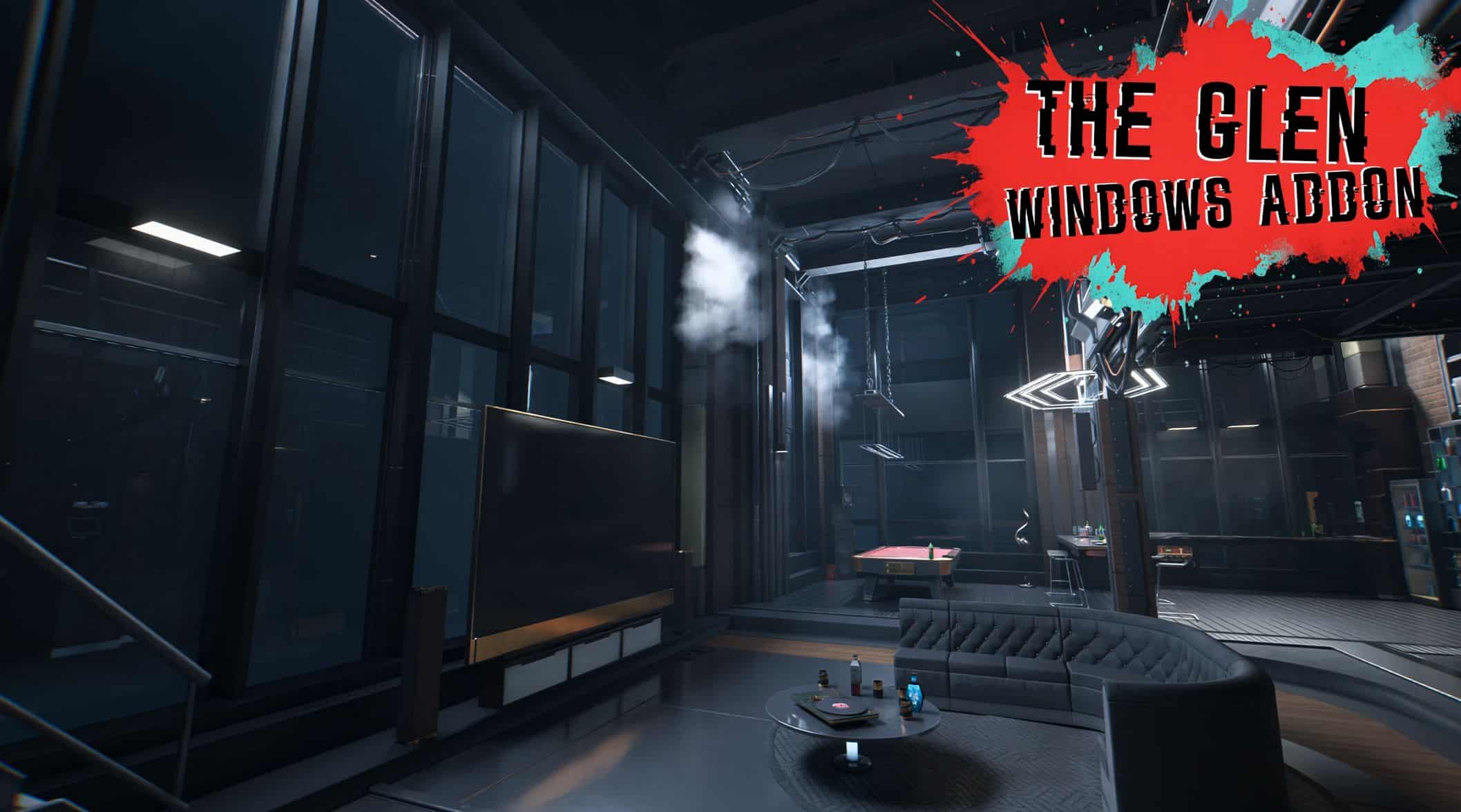
Small addition to have some interactive shutters at every windows from The Glen apartment. Compatible with most if not every Glen overhaul mods.
Overview
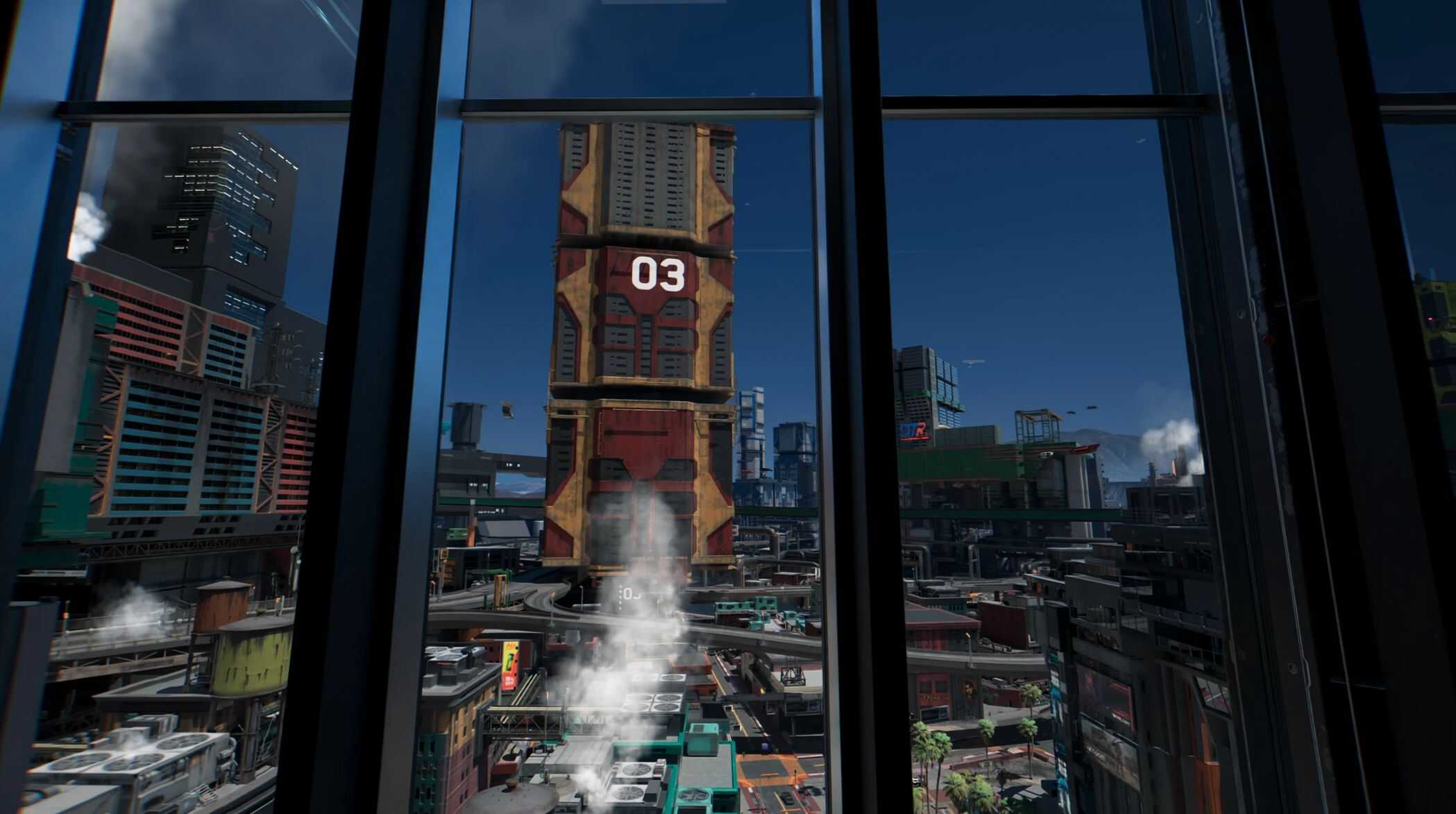
– Im pretty shy, the idea of the H3 building and surroundings peeping into my loft with Kiroshi optics didnt sat well with me, I also like sleeping in the dark 😀
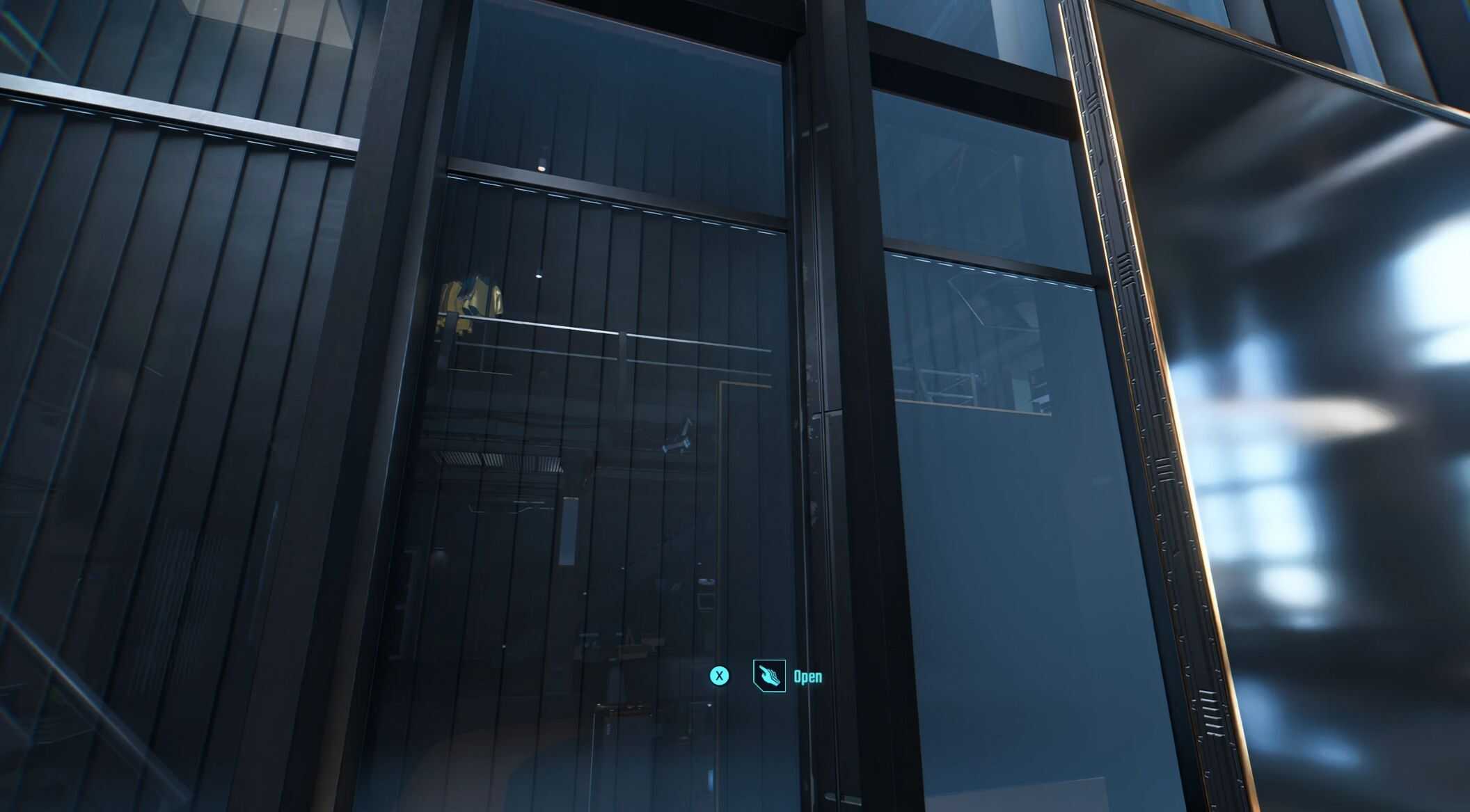
This mod simply adds interactive shutters at The Glen apartment. The condition of the shutters carry over loading a save so you dont have to worry about constantly opening/closing those at each reload.
– While the shutters opens from almost anywhere as long as you aim it while being near, closing might be a little more precision involved, you will find very small and discreet red switches to highlight where you need to aim your camera to easily close the shutters.
Finally, the shutter right behind the television happens to be a little trickier to reach the close switch, you will first need to jump on the speaker then on the television to reach it.
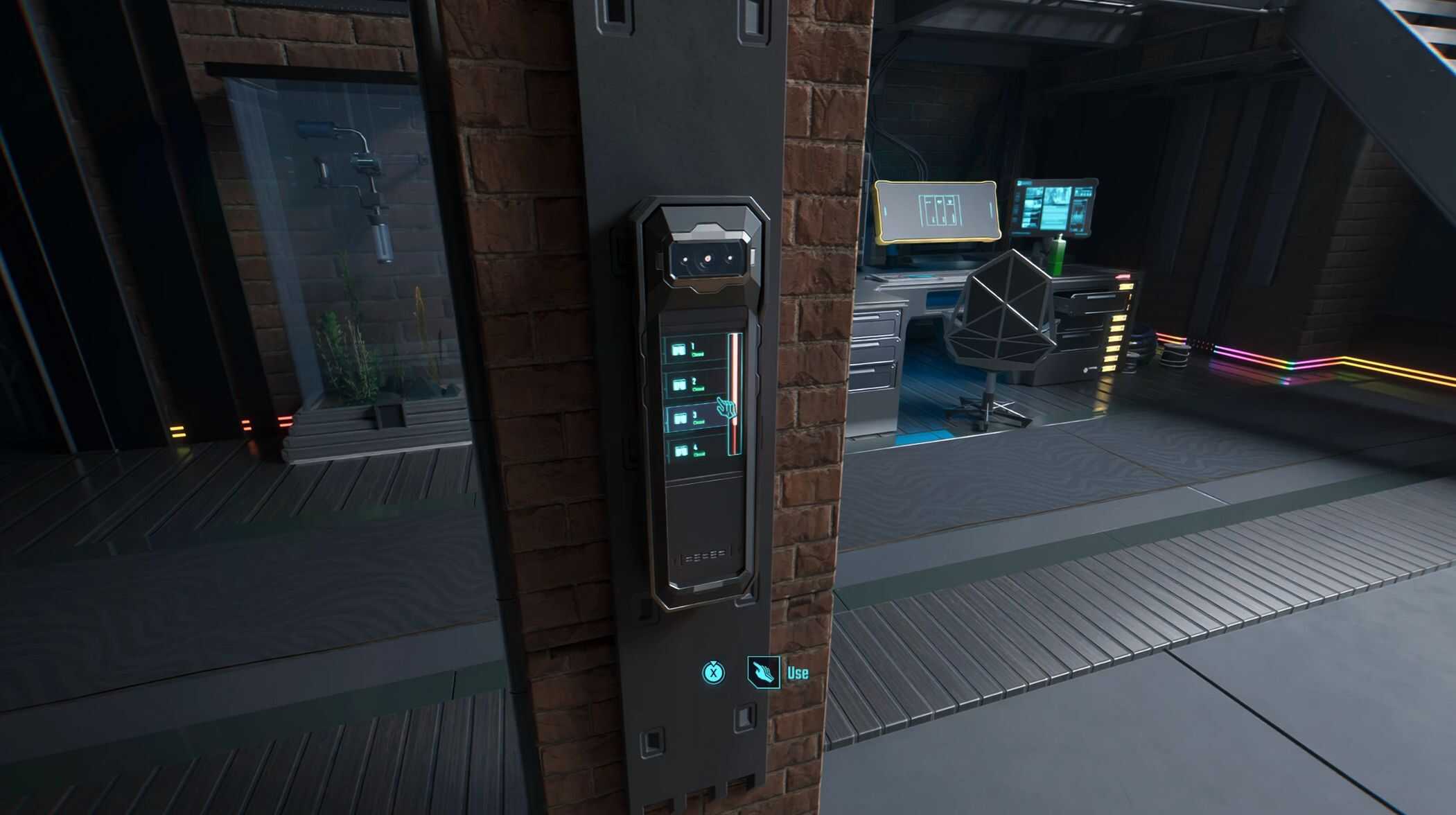
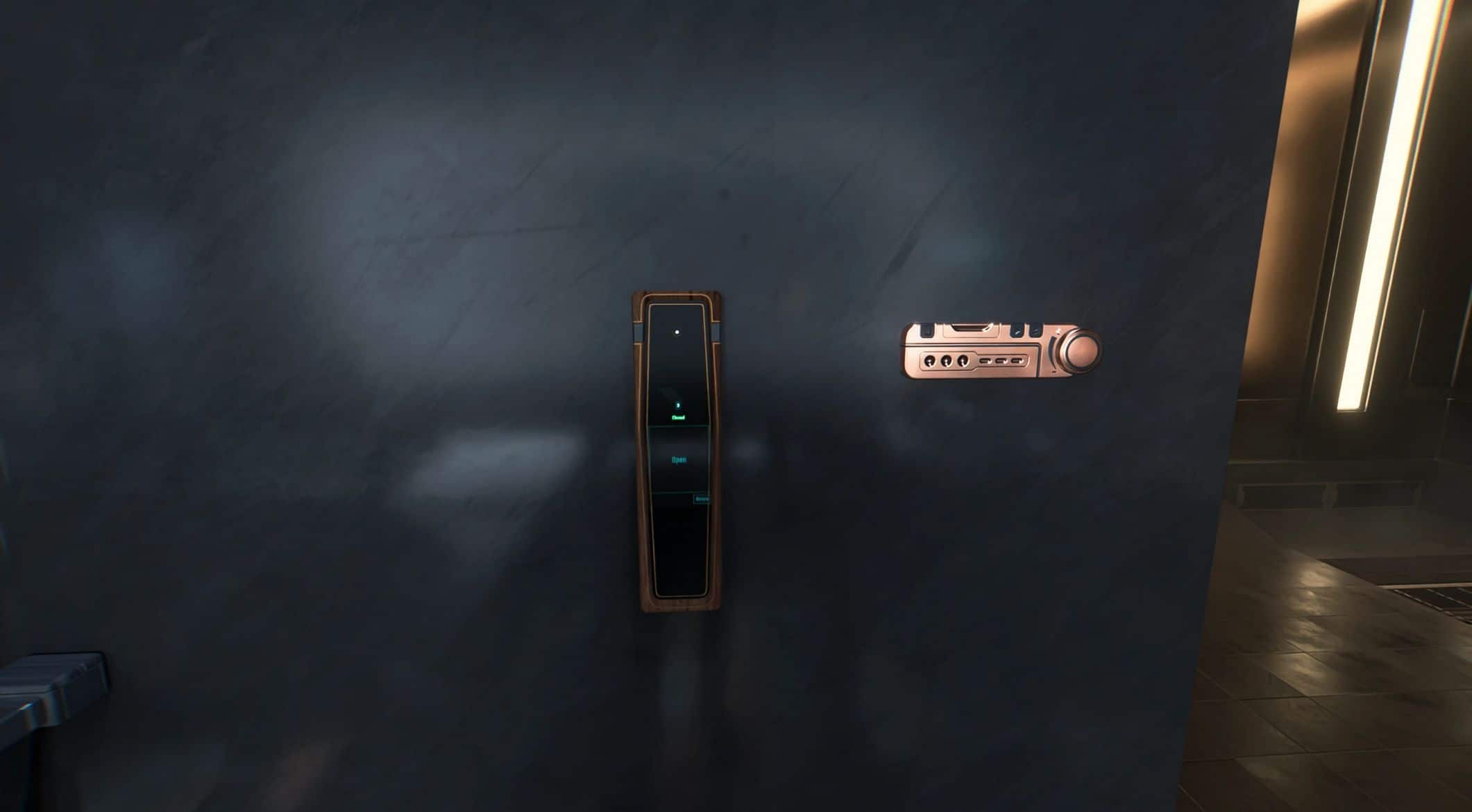
– Update 1.1 | Two switches controlling remotely all the shutters has been added, one to the wall leading to the bathroom and a second on a pillar in the living room, for the time being i have no solutions to control all shutters at once. I also made the activation of the shutters much slower to be more immersive.
Installaltion:
Manual : Extract the mod into your main Cyberpunk 2077 installation folder.
To uninstall, go to the files of the mod and click “Preview file contents”, delete the same files from your main installation folder.
Compatibility:
– Should be compatible with most if not all overhaul mods for The Glen, if you happen to find one that is truely incompatible please let me know in the comments i’ll list it here.