Equipment-EX v1.3.2
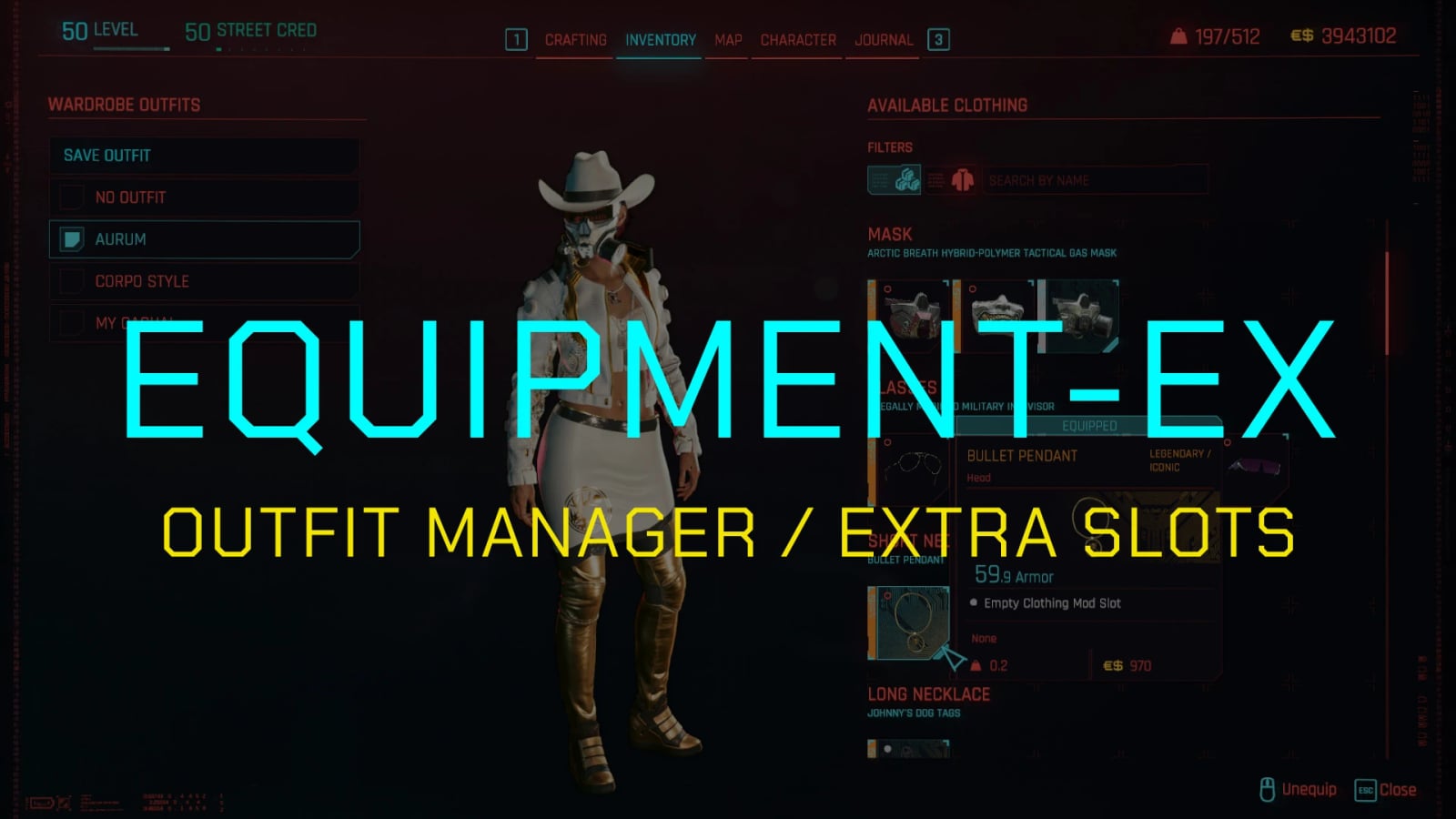
Equipment-EX is a transmog system and outfit manager.
Required mods:
Features
- A brand-new UI accessible from the Hub menu and V’s apartments
- Converts your existing wardrobe sets to a new system on first launch
- Works with vanilla and custom items
Specifications
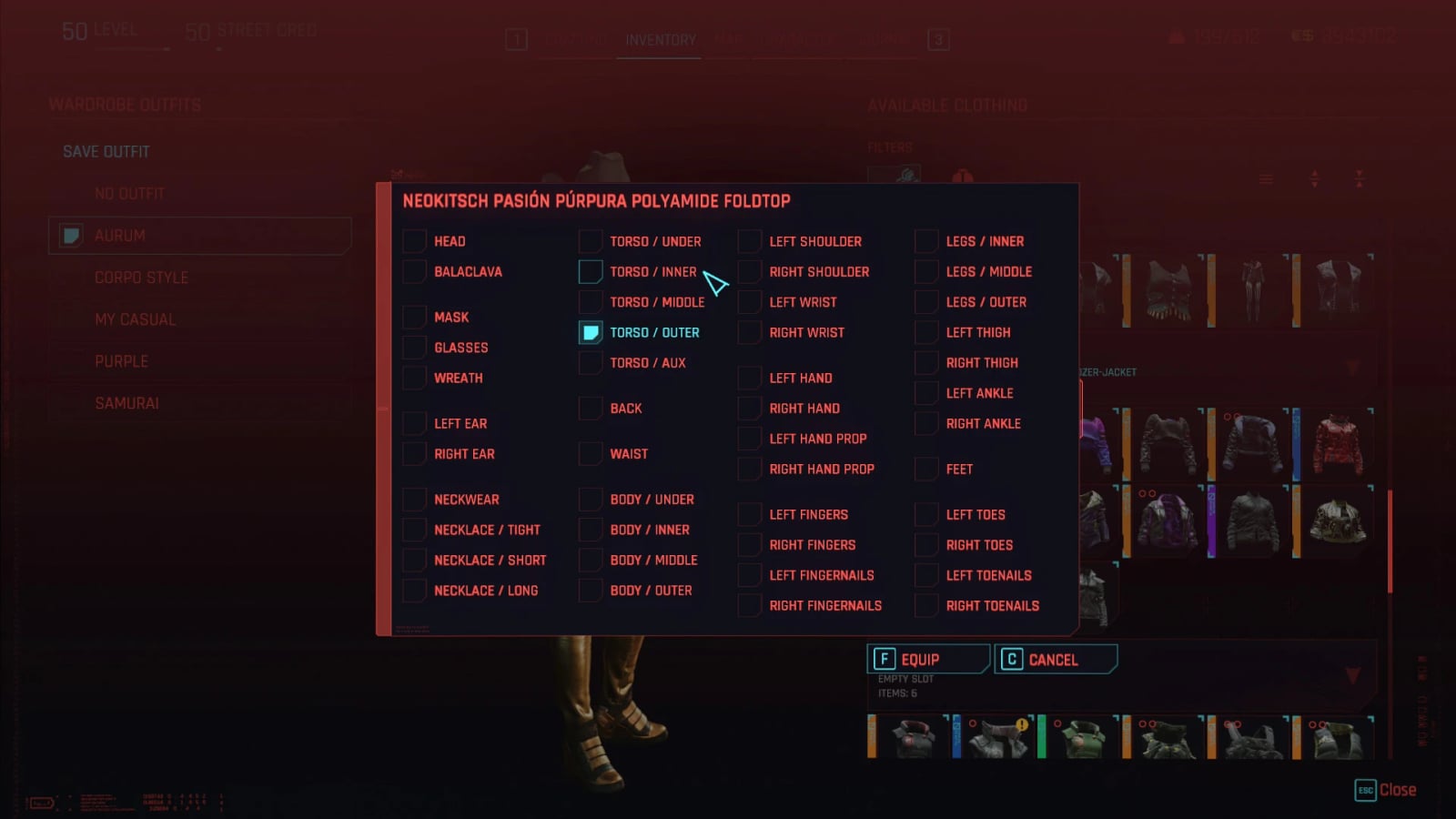
- New transmog system with 50+ clothing slots
- Manage an unlimited amount of outfits with your names
Compatibility
- Cyberpunk 2077 2.5
Installation
- 1. Install requirements:
- 2. Download the latest release.
- 3. Extract the archive into the Cyberpunk 2077 installation directory.
You should have <Cyberpunk 2077>/archive/pc/mod/EquipmentEx.archive and <Cyberpunk 2077>/r6/scripts/EquipmentEx.
How to use
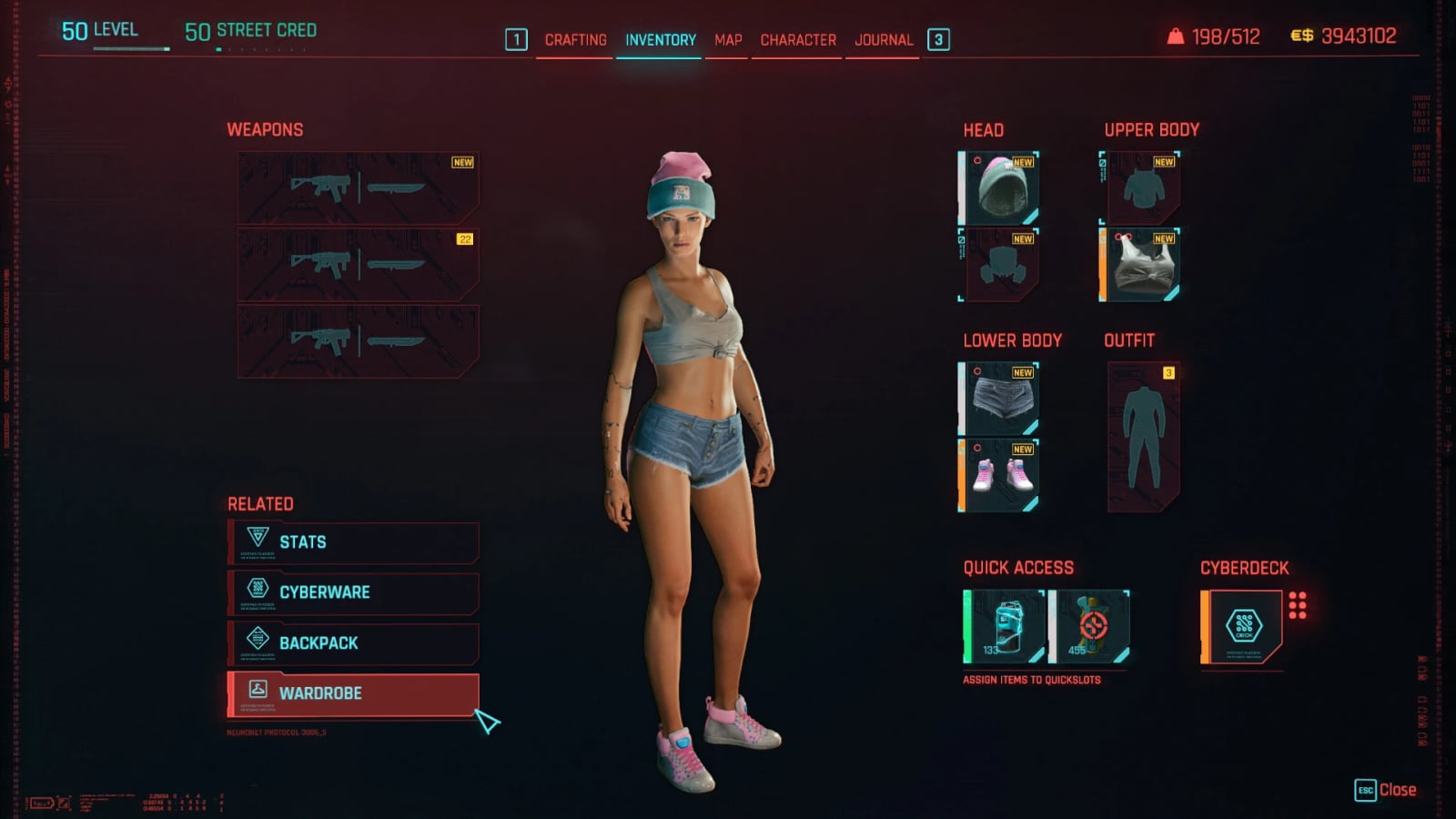
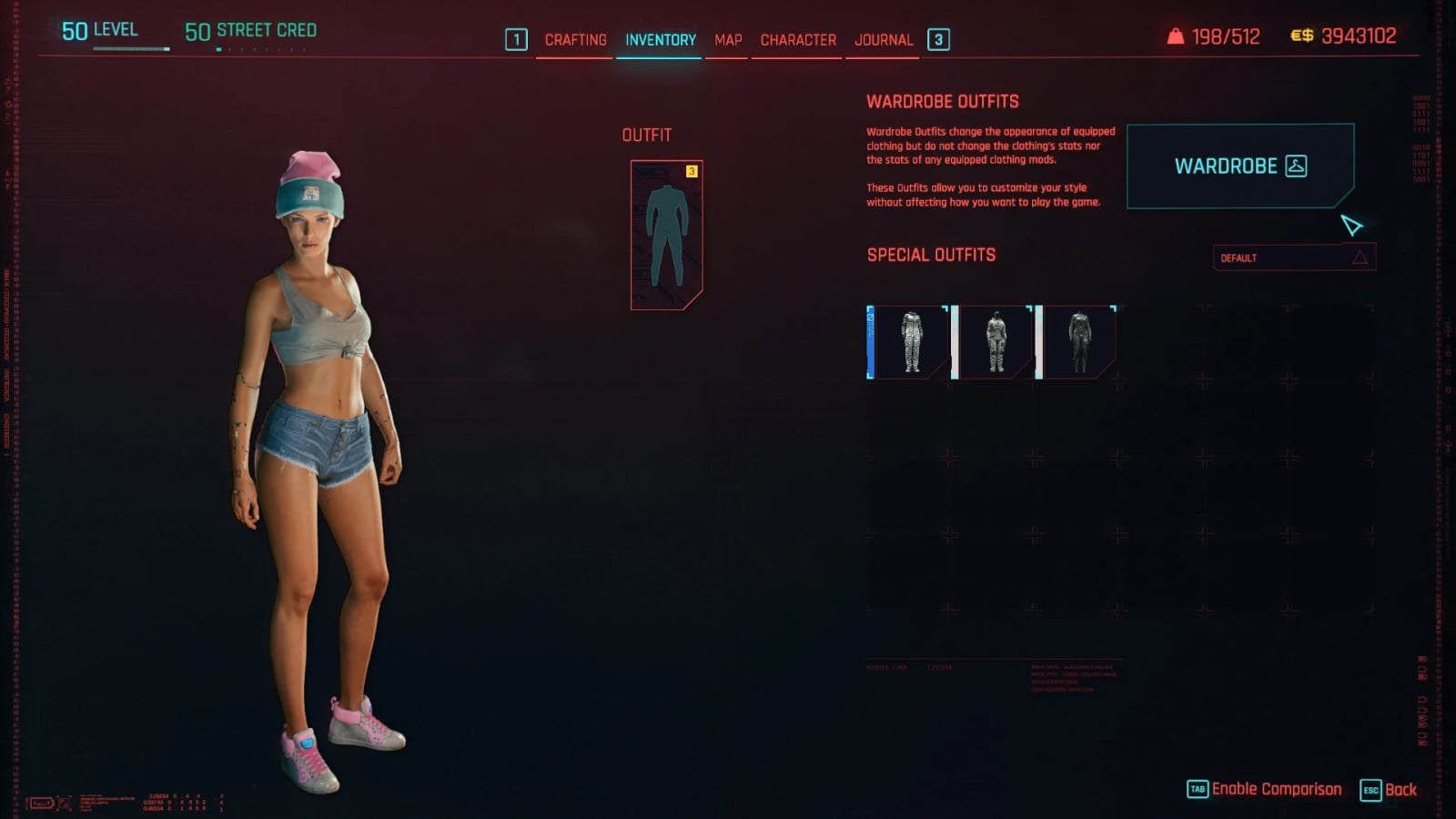
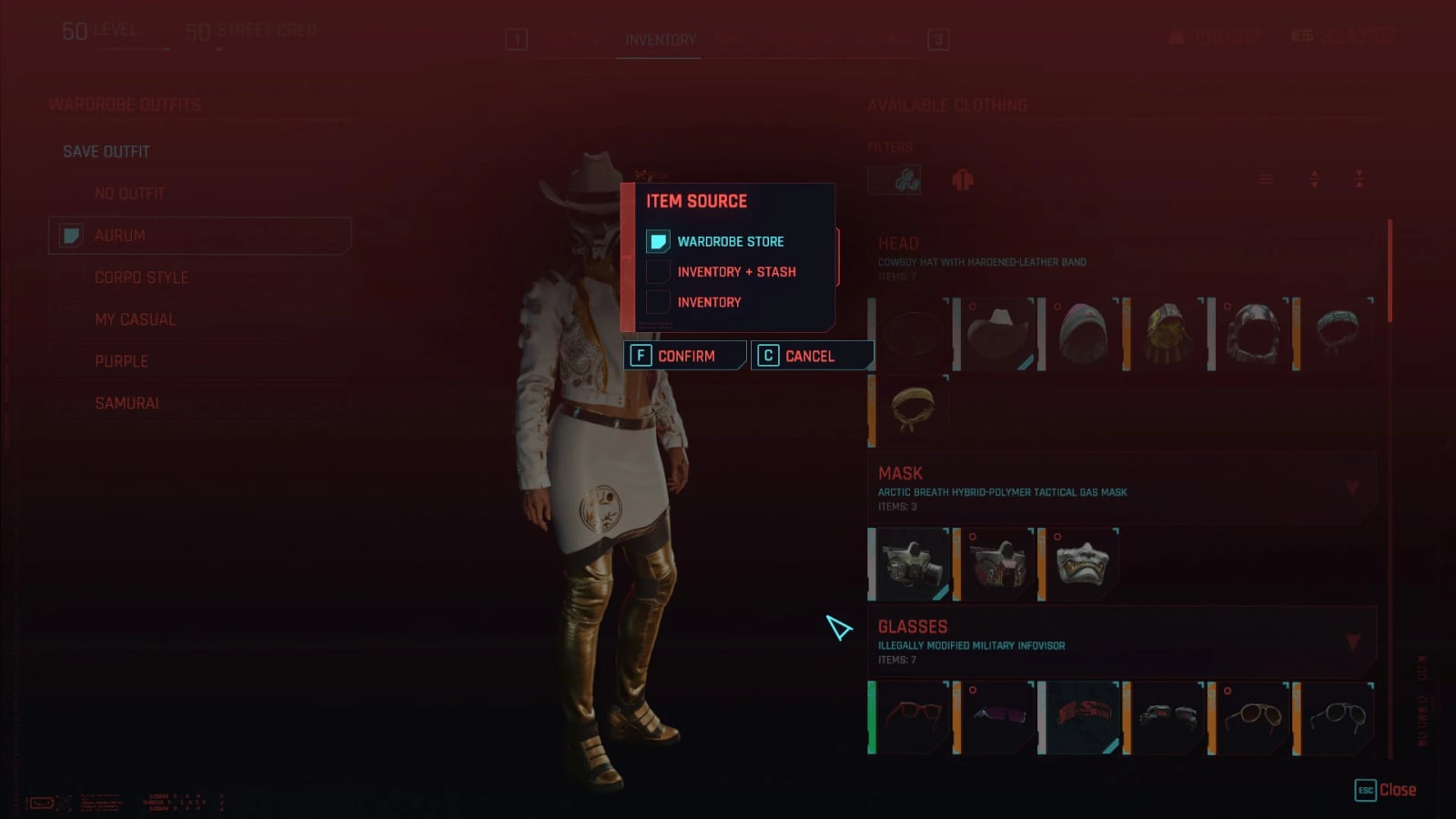
- The outfit manager is accessible through the new “Wardrobe” button in the Inventory menu or from the wardrobe call in V’s apartments.
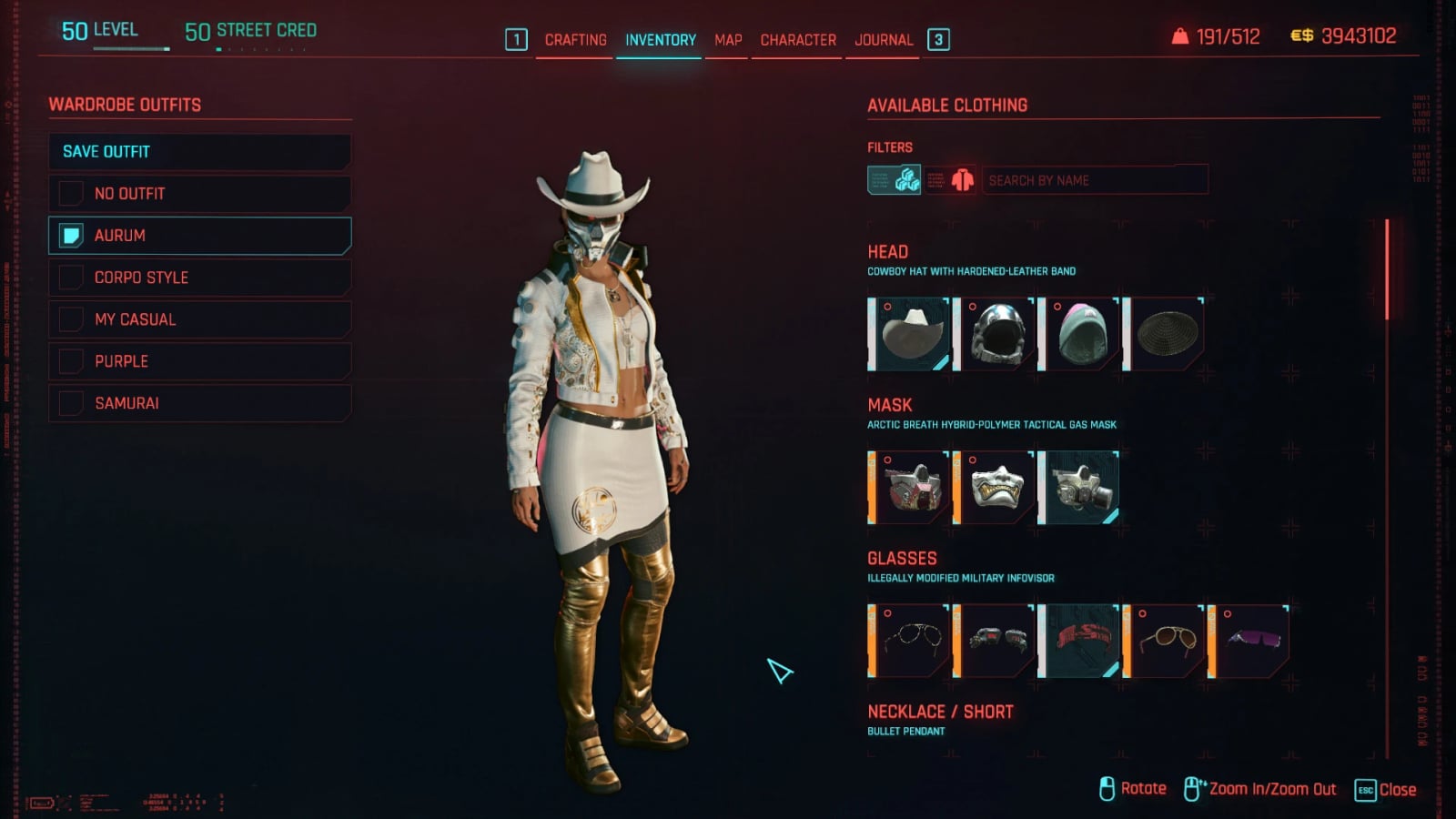
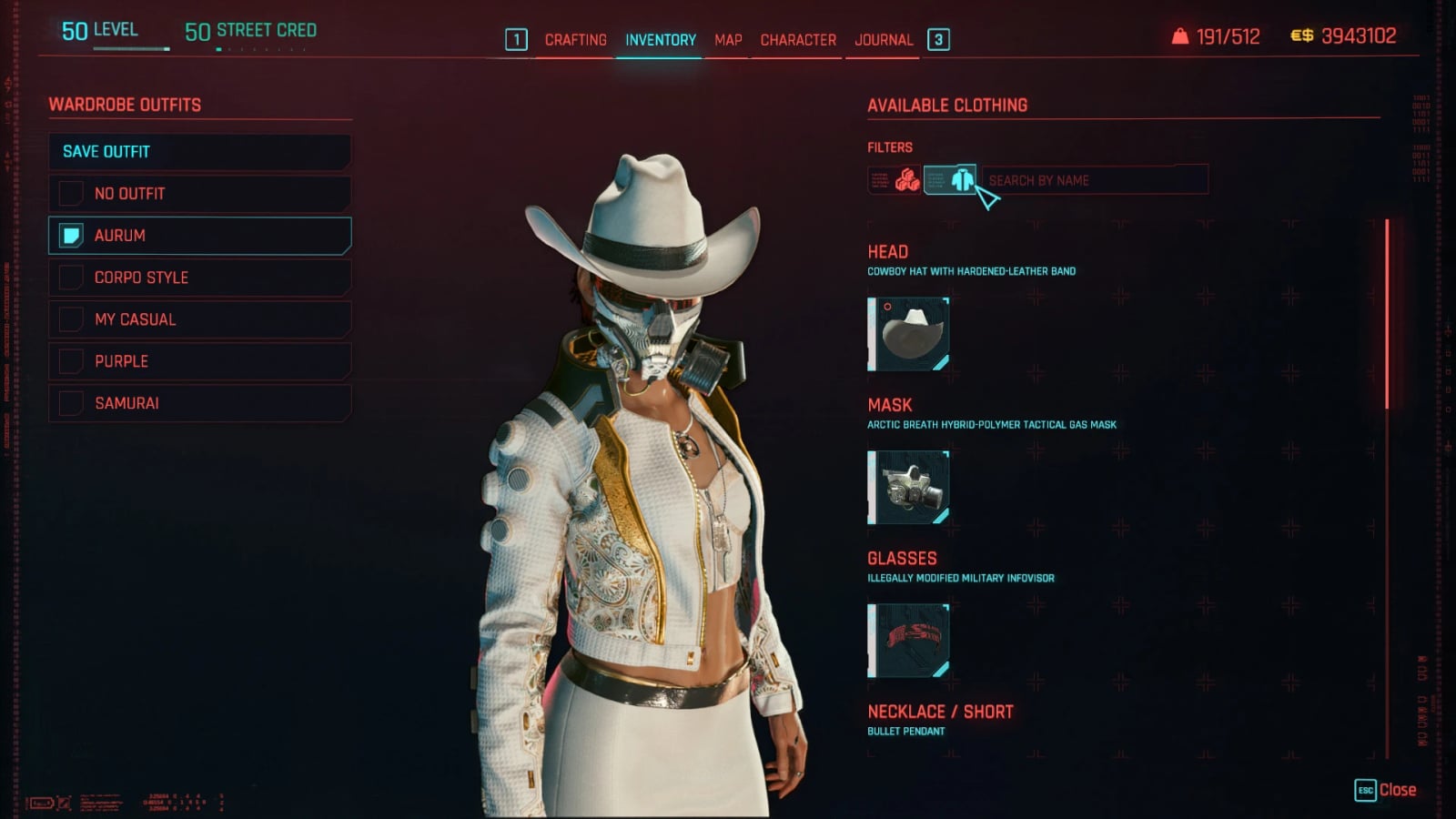
- On the right side of the screen, you will see all compatible gear grouped by slots.
- By clicking on a button with three lines above the item list, you can choose what items you want to see: current inventory, stash, or wardrobe memory.
- Clicking on any item will activate outfit mode, which applies the visuals of the selected items to your character over equipped gear.
- To equip an item in another slot, move the cursor over the item and hold the displayed hotkey (F on keyboard).
- To unequip all currently equipped items, move the cursor over the preview puppet and press the displayed hotkey (X on keyboard).
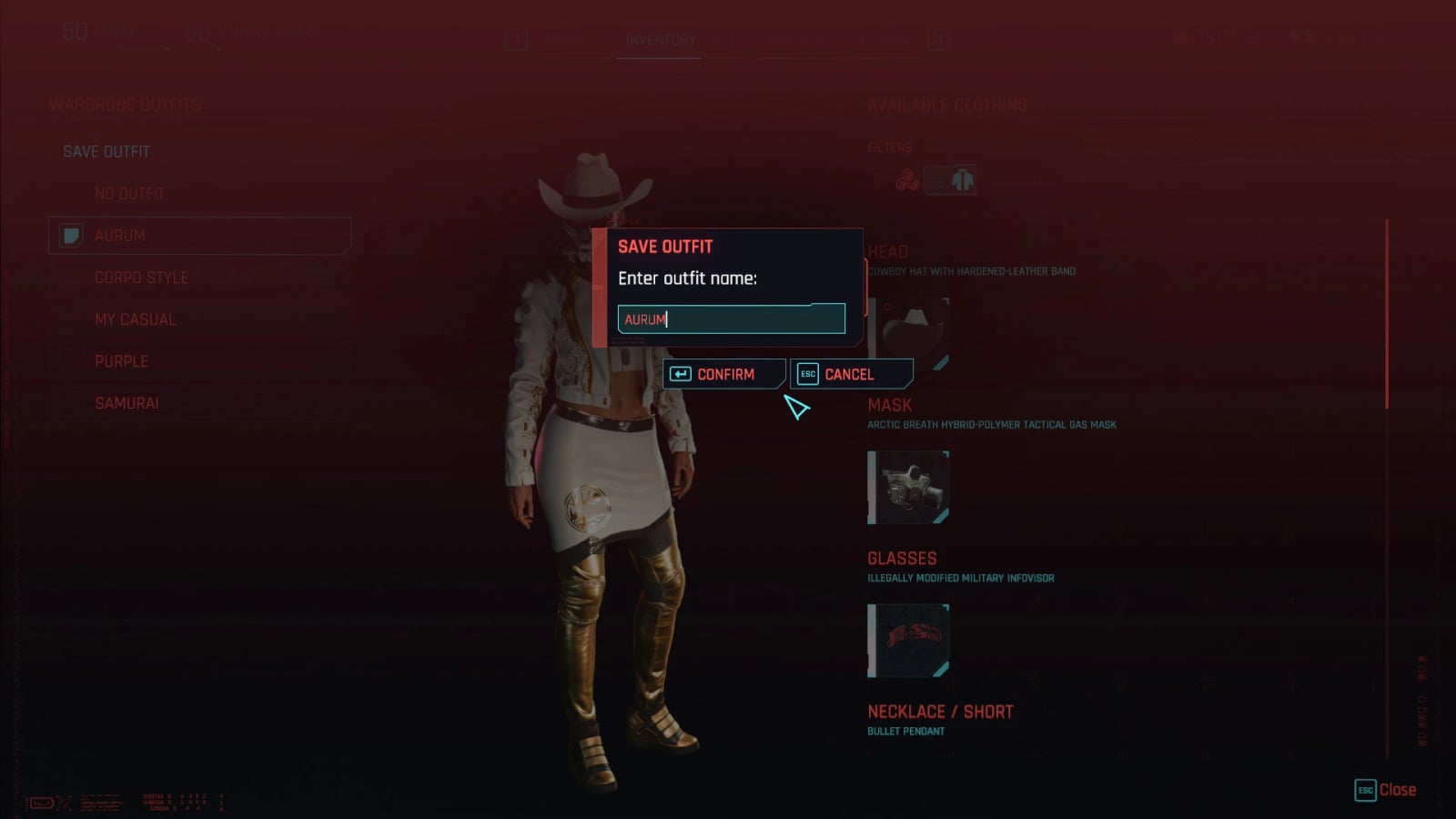
- On the left side of the screen, you will see a list of your outfits.
- The “Save outfit” button becomes available when outfit mode is active.
- To equip a previously saved outfit, click on the name in the list.
- To delete an outfit, hover over the outfit and press the hotkey from the hint (X on keyboard).
- To disable outfit mode, you can select “No outfit” or unequip the outfit from the Inventory menu.
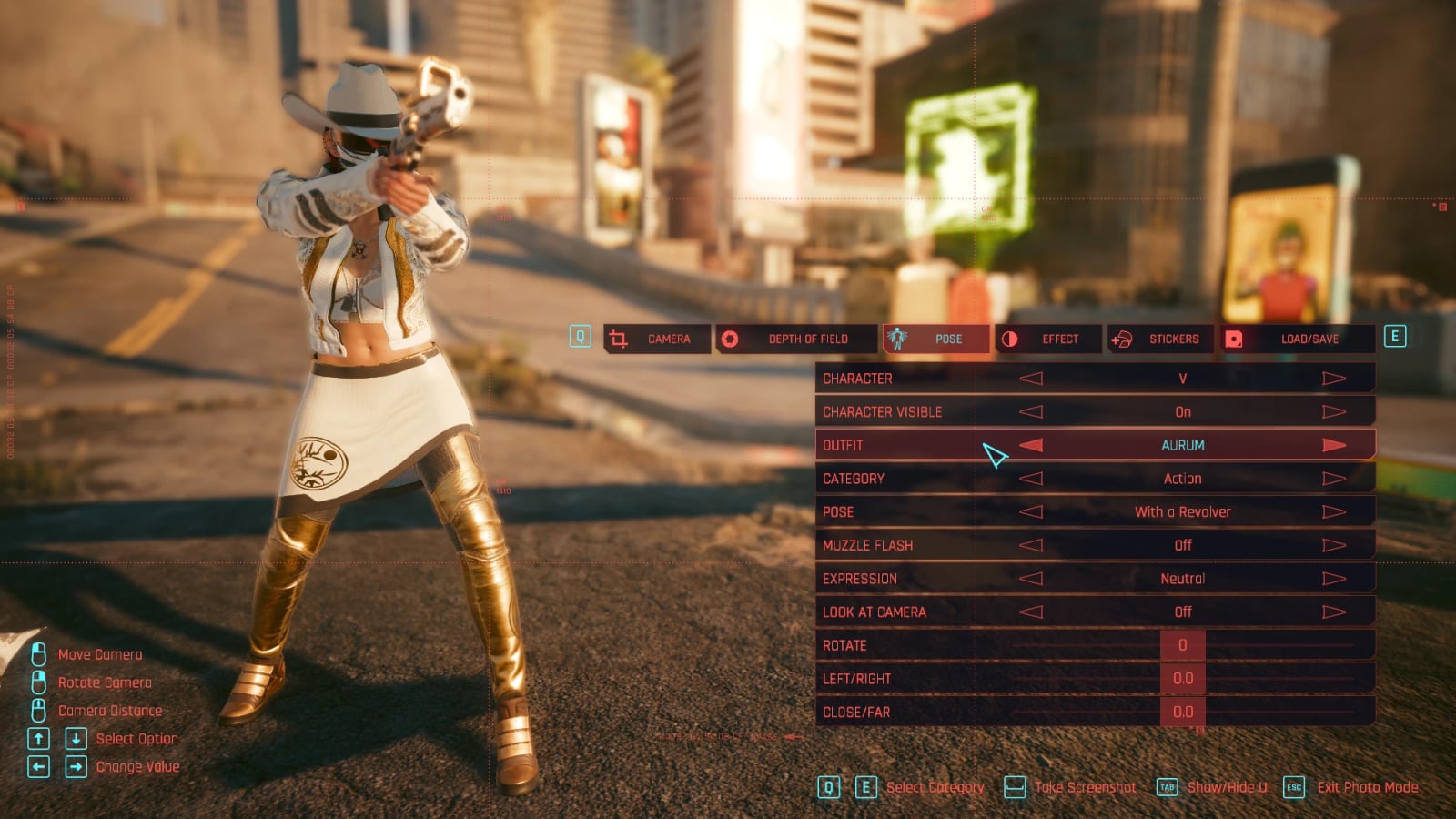
- In photo mode, you will find the option to change outfits on the fly in the pose section.
Documentation
- How to make compatible items
- How to make tights without clipping
- How to translate mod to your language
- Console commands